Mineogram
Mineogram
The Evolution of Deduction: Where Minesweeper Meets Nonogram.
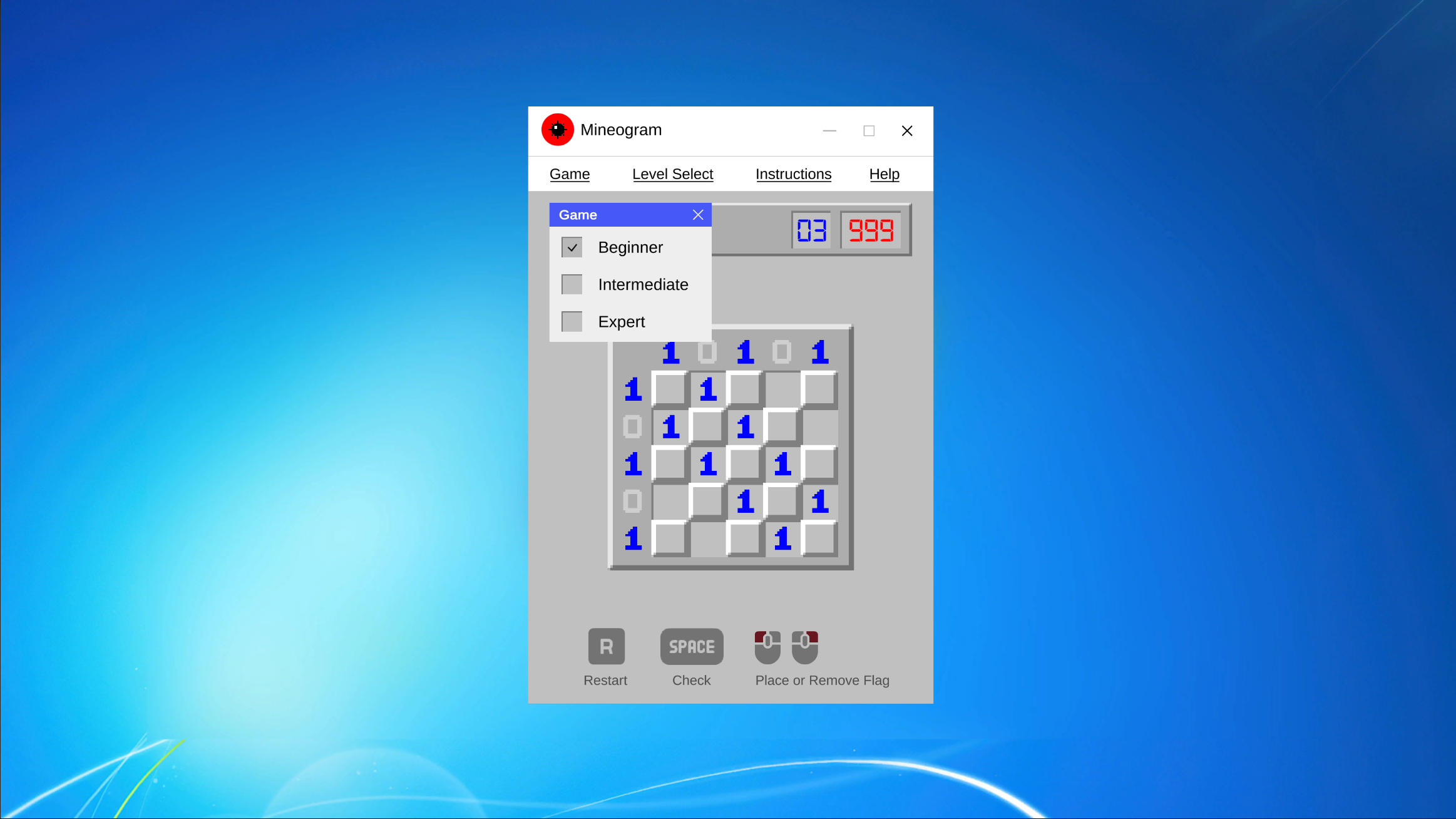
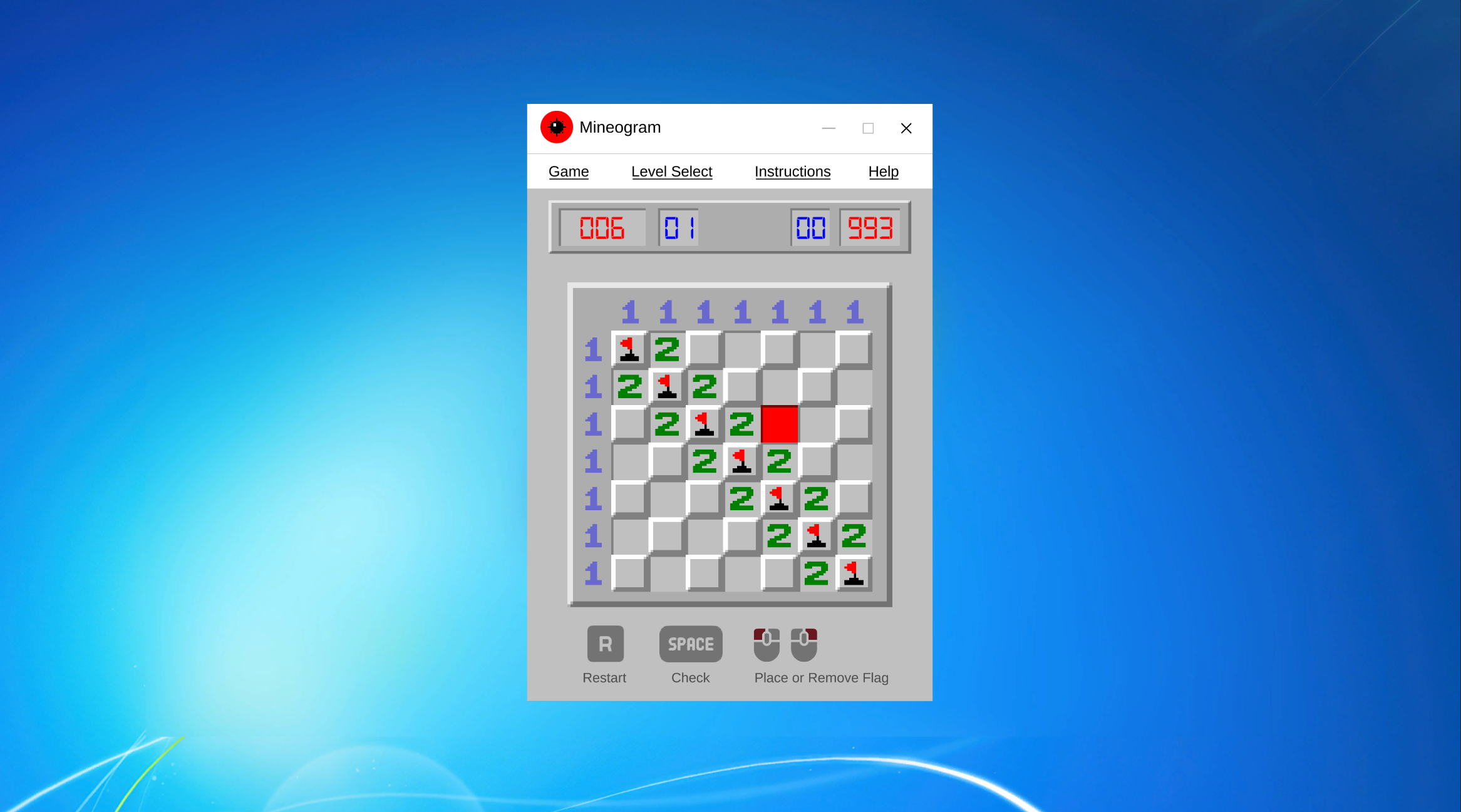
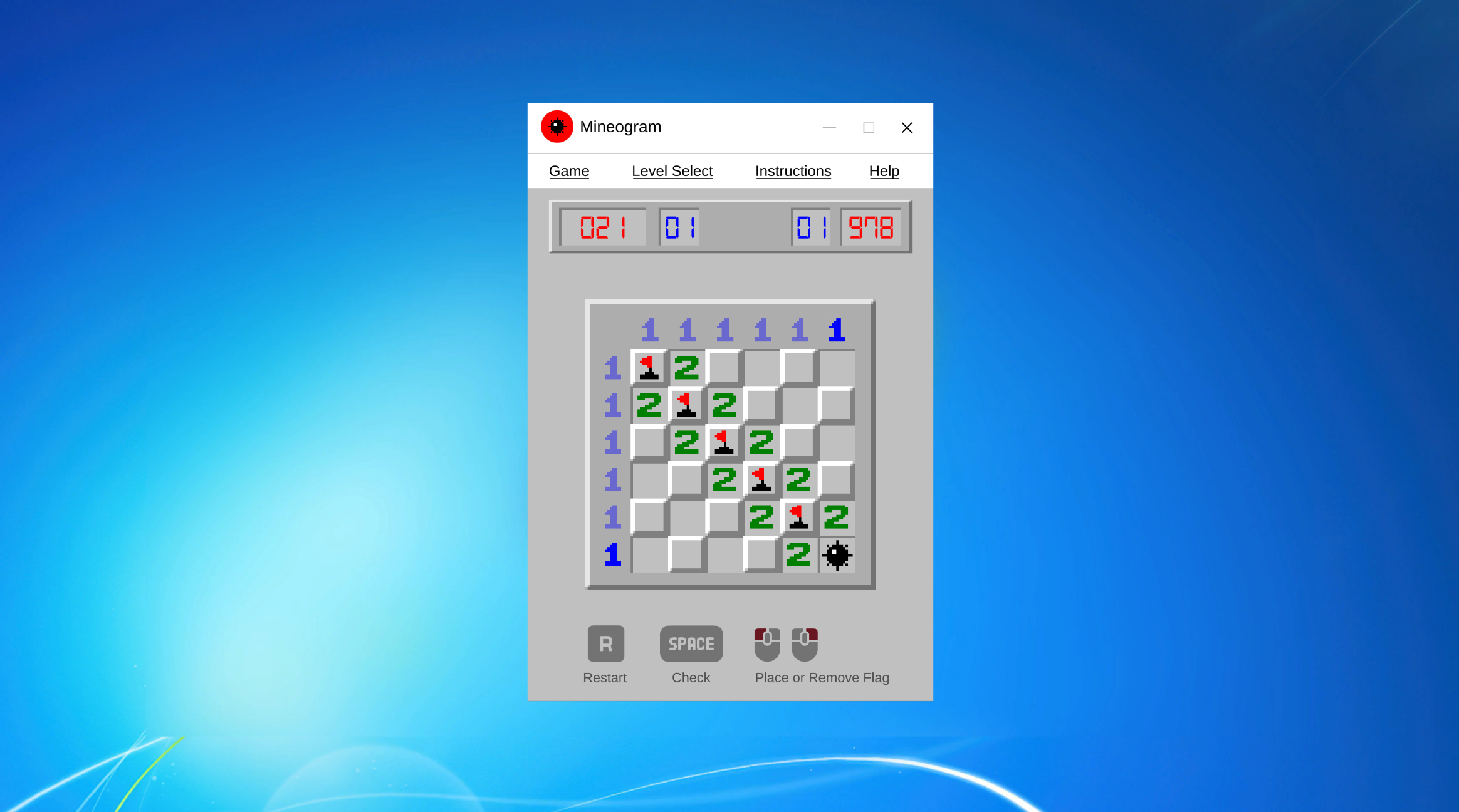
Mineogram is a reimagined logic puzzle that strips away the luck of classic Minesweeper and replaces it with pure, satisfying deduction. Inspired by the seminal Windows 3.1 classic but evolved for the modern puzzle enthusiast, Mineogram fuses the "danger revealed" tension of Minesweeper with the analytical row-and-column counting of a Nonogram/Picross.
Innovation: No Luck, Just Logic
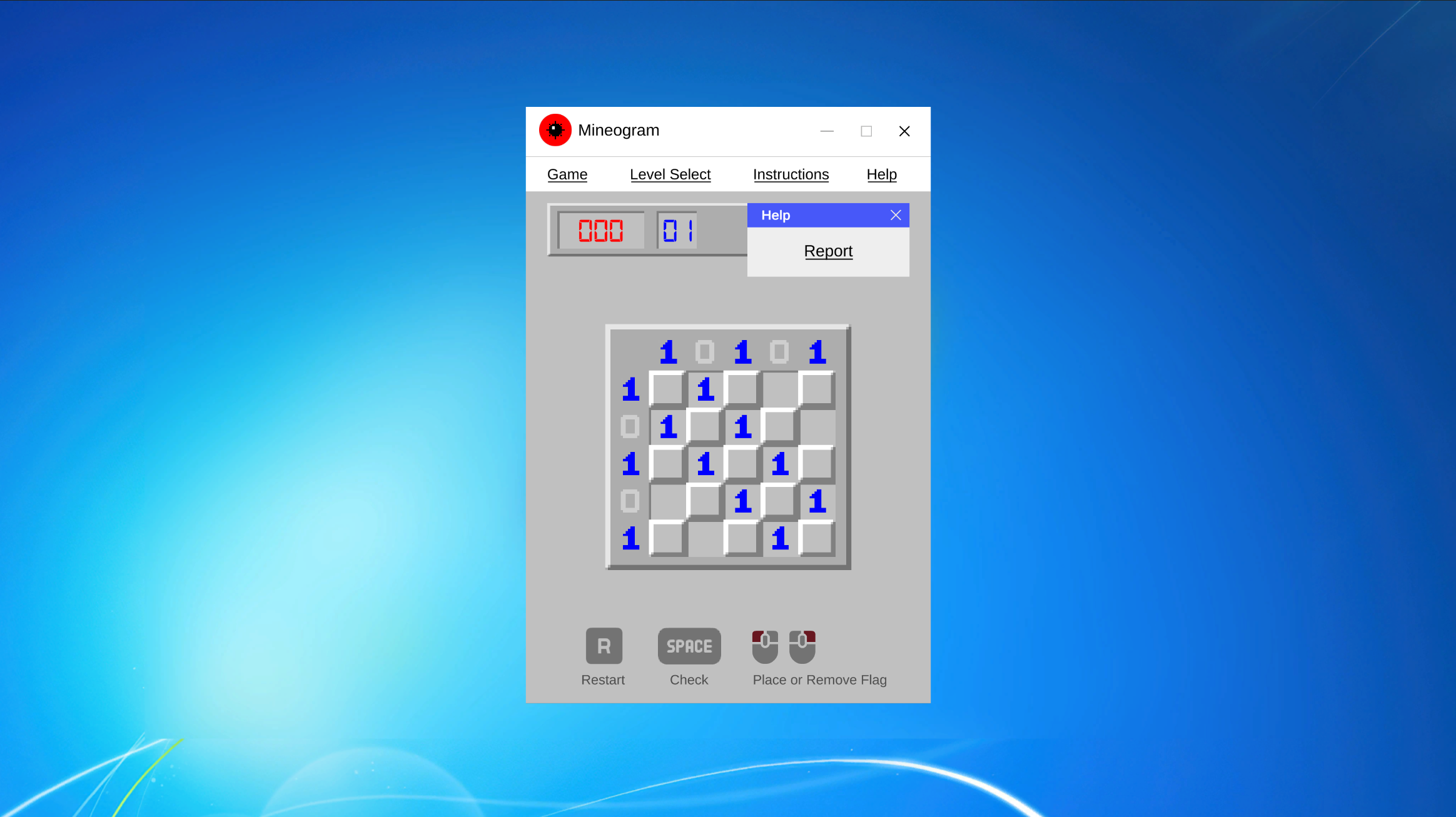
Traditional Minesweeper often ends in a frustrating 50/50 guess. In Mineogram, the minefield is a hand-crafted logic puzzle. Using the count hints provided for every row and column, you must deduce exactly where the threats are hidden.
New Play Style: Manual Evaluation
Forget the "one-click kaboom." In Mineogram, you play the role of the expert defuser.
- Analyze: Study the row and column hints.
- Flag: Identify every single mine with precision.
- Submit: When you're confident, hit "Submit" to evaluate your logic.
Strengthened Scoring & Arcade Tradition
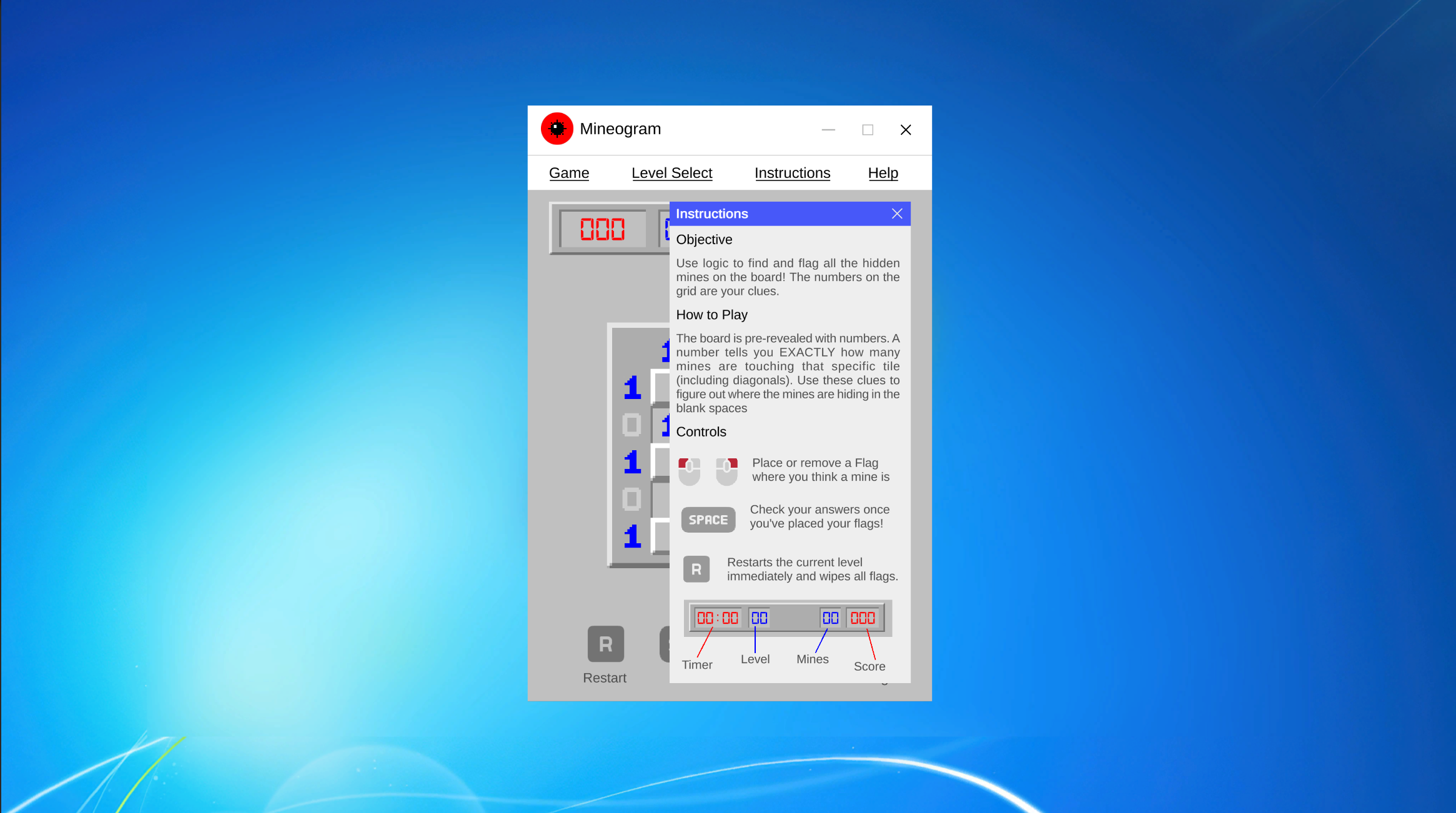
Every second counts! We’ve implemented a competitive scoring system that rewards speed and mastery:
- Classic 999-Second Limit: A nod to the arcade tradition—can you solve the Expert levels before the clock hits 999?
- Difficulty Multipliers: Conquer Expert levels to maximize your score (Base + Time Bonus x Multiplier).
- 3-Digit Aesthetic: A clean, modern UI that honors the retro-segmented displays of the original.
Key Features
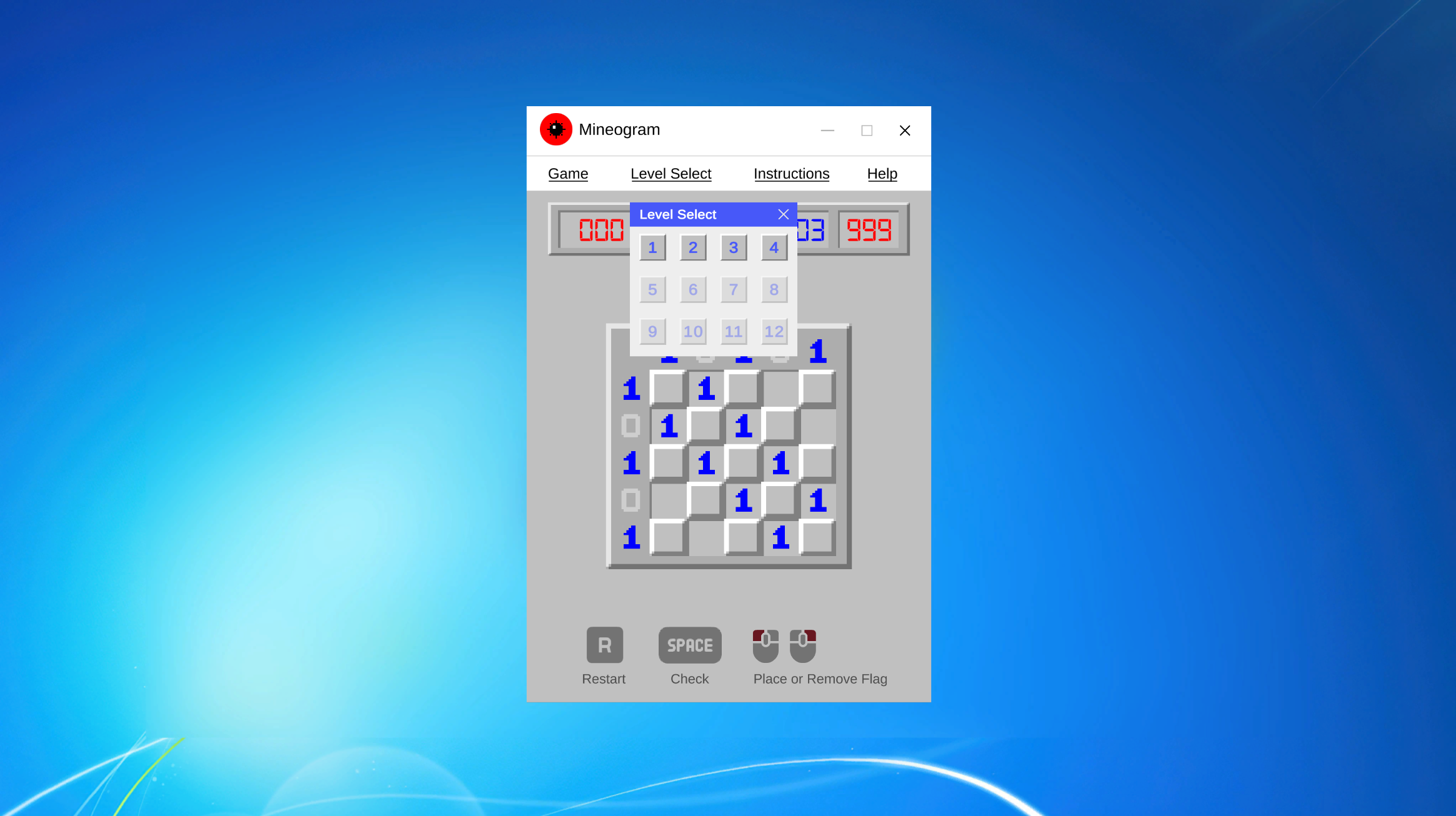
- Three Tactical Tiers: Beginner (Level 01-12), Intermediate (Level 01-12), and Expert (Level 01-12).
- Persistent Progression: The game remembers your last-played level for each difficulty independently.
- Smooth UI Experience: Features glassmorphic panels and fluid transitions for a premium, responsive feel.
- Pure Deduction: No random generation. Every level is a solvable logical challenge.
How to Play
- Left Click: Toggle Flags (Identify Mines).
- Spacebar: Submit for Evaluation.
- Escape: Open/Close Menu.
Built for the "Reimagining Minesweeper" Game Jam. Survive the grid. Master the minefield. Decipher the Mineogram.
Does this description look good to you? I'm happy to tweak any part of it to better match your vision!
Download
Install instructions
Mineogram: Installation Instructions
Windows (Mineogram_Windows.zip)
- Extract the Zip: Right-click the downloaded folder and select "Extract All..." (The game will not run properly if launched from inside the zip).
- Run the Game: Open the extracted folder and double-click Mineogram.exe to play.
- Note: If Windows Defender shows a prompt, click "More Info" and then "Run Anyway."
macOS (MacOS.app.zip)
- Extract the Zip: Double-click the file to extract the MacOS.app.
- Open the App: Drag the app to your Applications folder or run it directly.
- Permissions: Because the app is not currently notarized, you may need to:
- Right-click the app and select Open.
- If it says "App cannot be opened," go to System Settings > Privacy & Security and click "Open Anyway" at the bottom.
Linux (Mineogram_Linux.zip)
- Extract the Zip: Use your preferred archive manager to extract the contents.
- Set Permissions: Open a terminal in the folder and run:
chmod +x Mineogram.x86_64 - Run the Game: Execute the file by typing
./Mineogram.x86_64or double-clicking the file in your file manager.
System Requirements
- Graphics: Supports DirectX 11/12 (Windows) or Vulkan/OpenGL (Linux/Mac).
- Architecture: 64-bit operating system required.
- No extra libraries needed: Everything required to run the game is included in the download folders!
Development log
- Mineogram v1.2Apr 10, 2026
- Mineogram v1.0: A Modern Twist on MinesweeperApr 05, 2026
Comments
Log in with itch.io to leave a comment.
You say it takes away the 50/50 ending from classic minesweeper, but this level still has a 50/50. Both topleft+bottomright and bottomleft+topright are correct solutions.
I've acknowledged the concern about the 50/50 scenarios. You're absolutely right—several levels in the current version still contain logical ambiguities where multiple solutions are possible, forcing a guess at the end.
This has been fixed in v1.2 so every puzzle now has a single logical solution with no guessing.
Game seems bugged, I can’t reveal any tiles. I can only flag them
Hey! Thanks for trying the game 🙌
It’s actually a bit different from classic Minesweeper — you can’t reveal tiles.
Instead, you use the row/column clues (like a Nonogram) to logically deduce where all the mines are and flag them.
That said, your feedback is super helpful — I’ll add tutorial and UI to make this clearer!
Oh oops! Most of the digital Nonograms I’ve played allowed for “clearing” tiles or marking them as safe so I got confused. I didn’t realize keeping track of all the safe tiles mentally was part of the difficulty
I actually just updated the game so you can now mark tiles as safe! Just click/tap a tile twice (it cycles: Mine -> Safe-> Blank).